
Open a P2P page for the first time and it is full of unfamiliar terms: advertiser, limit, completion rate, release, escrow, Express. Each affects which ad you choose and what you do when something goes wrong.
This glossary follows the order of a trade, explaining the terms beginners meet most, based on Binance's Glossary of P2P Trading Terms and related help pages, with what each means in practice.
Key points
- Escrow is what makes P2P relatively safe: the seller's coins are locked until the trade completes
- Completion rate and completed orders are the first filter for a reliable counterparty
- A yellow badge next to a name marks a Binance-verified merchant
- Beginner-friendly ads are only for users who have never completed a P2P trade
- A release cannot be undone, and assets are locked during an appeal
The market and who's who
First, the roles and areas of a P2P market.
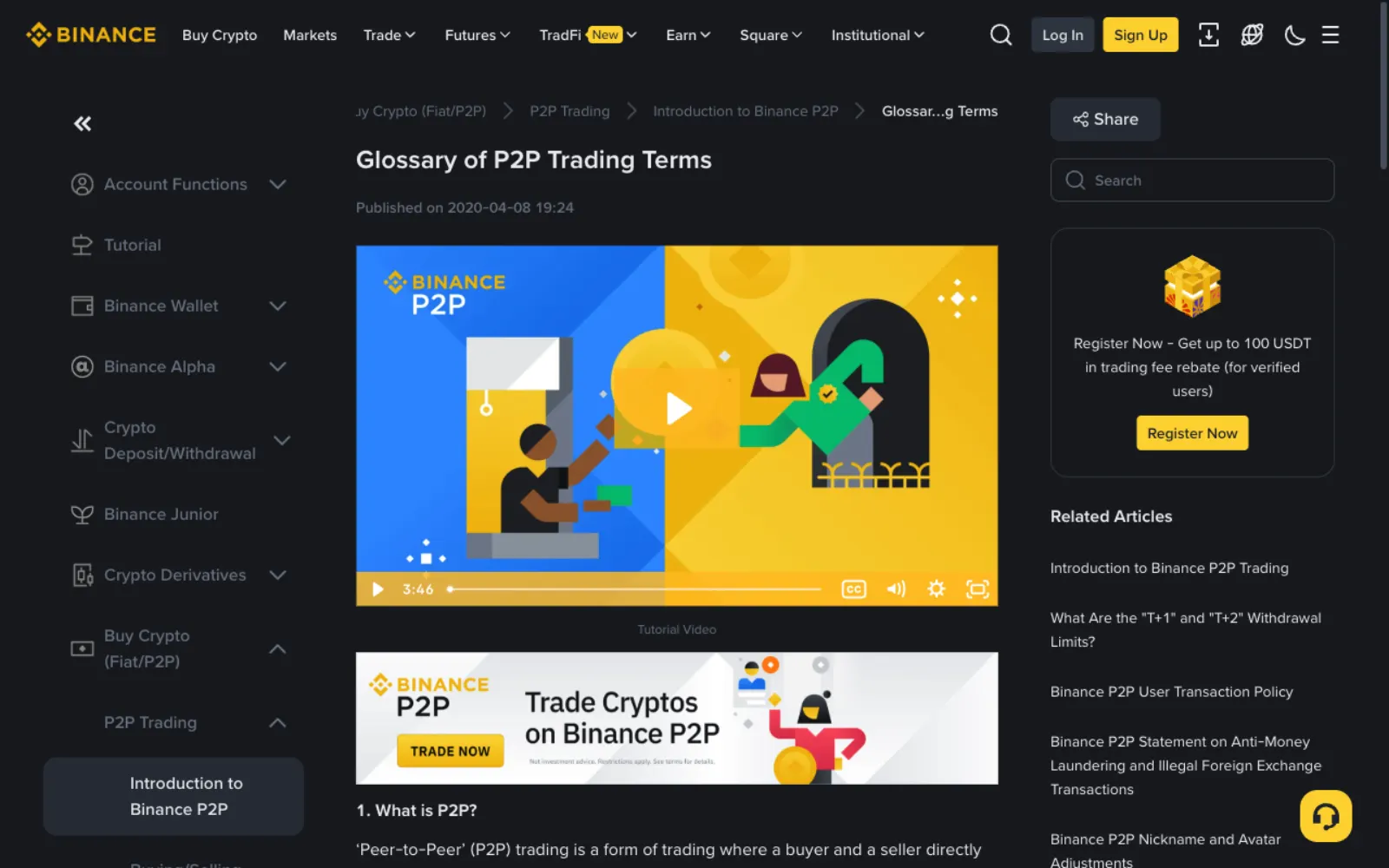
| Term | Meaning |
|---|---|
| P2P (peer-to-peer) | Users trade directly, local currency for crypto, with the platform providing escrow and dispute handling. |
| Advertiser | The person who posts a buy or sell ad; each row in the list is one advertiser's ad. |
| Maker / taker | The maker posts the ad; the taker orders through it. Beginners are usually takers. |
| Verified merchant | An advertiser verified through Binance's P2P merchant programme, with a yellow badge by the nickname. |
| Express | The system matches a counterparty for you; you only enter the amount and payment method. |
| P2P zone | Lists every ad so you choose the buyer or seller yourself. |
Terms on an ad
Each row in the list has a set of numbers; reading them is how you pick a reliable counterparty.
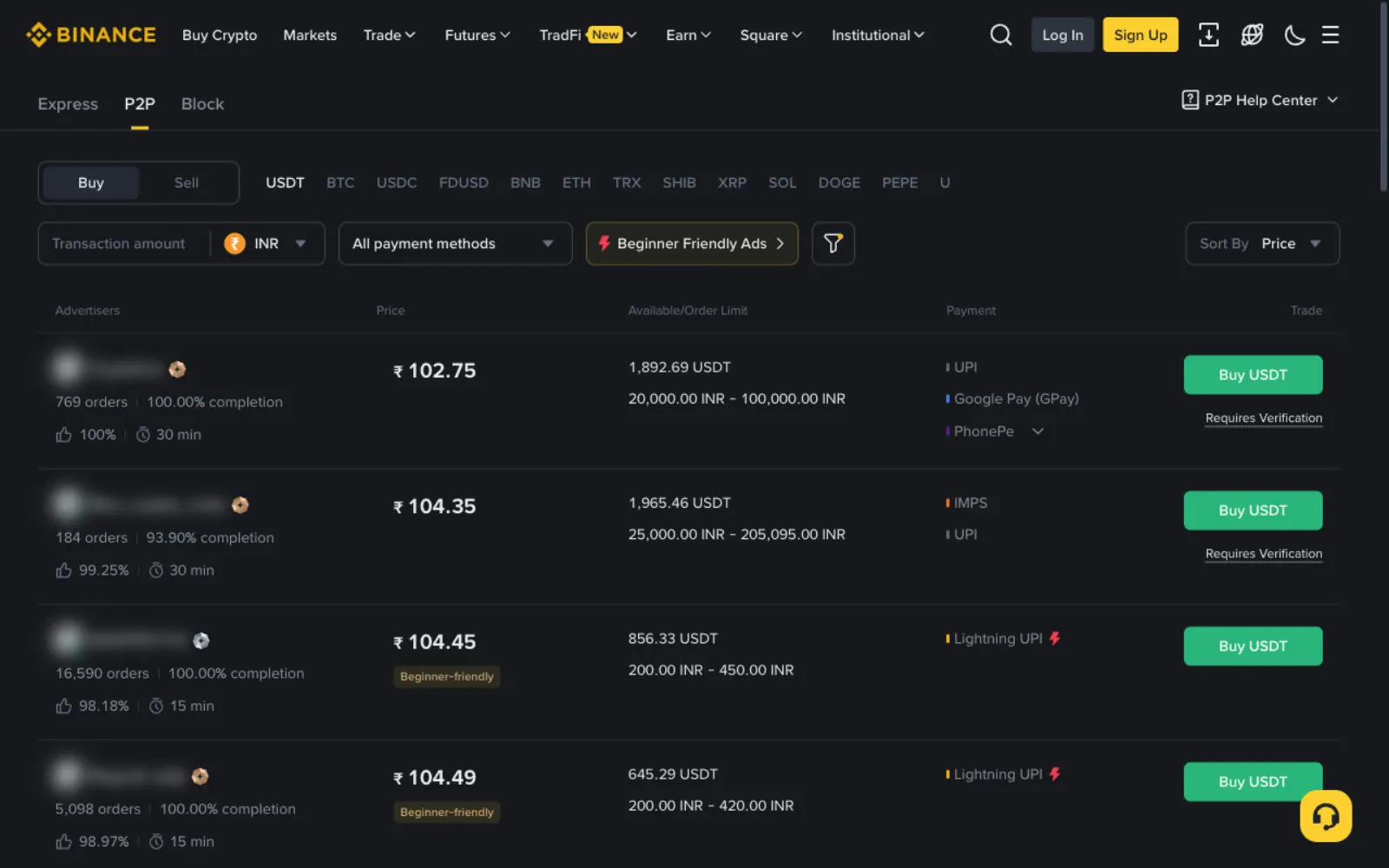
| Term | Meaning |
|---|---|
| Price | How much local currency 1 USDT trades for, set by the advertiser. |
| Available | How much USDT is left on this ad. |
| Order limit | The minimum and maximum for a single order; your amount must fall within it. |
| Orders | How many orders the advertiser has completed; more is usually more reliable. |
| Completion | The share of the advertiser's orders that actually completed; low means frequent cancellations or problems. |
| Positive feedback | The share of counterparties leaving positive feedback, as shown on the page. |
| Payment | The payment channels the ad accepts, such as UPI, bank transfer or M-Pesa. |
Labels on ads
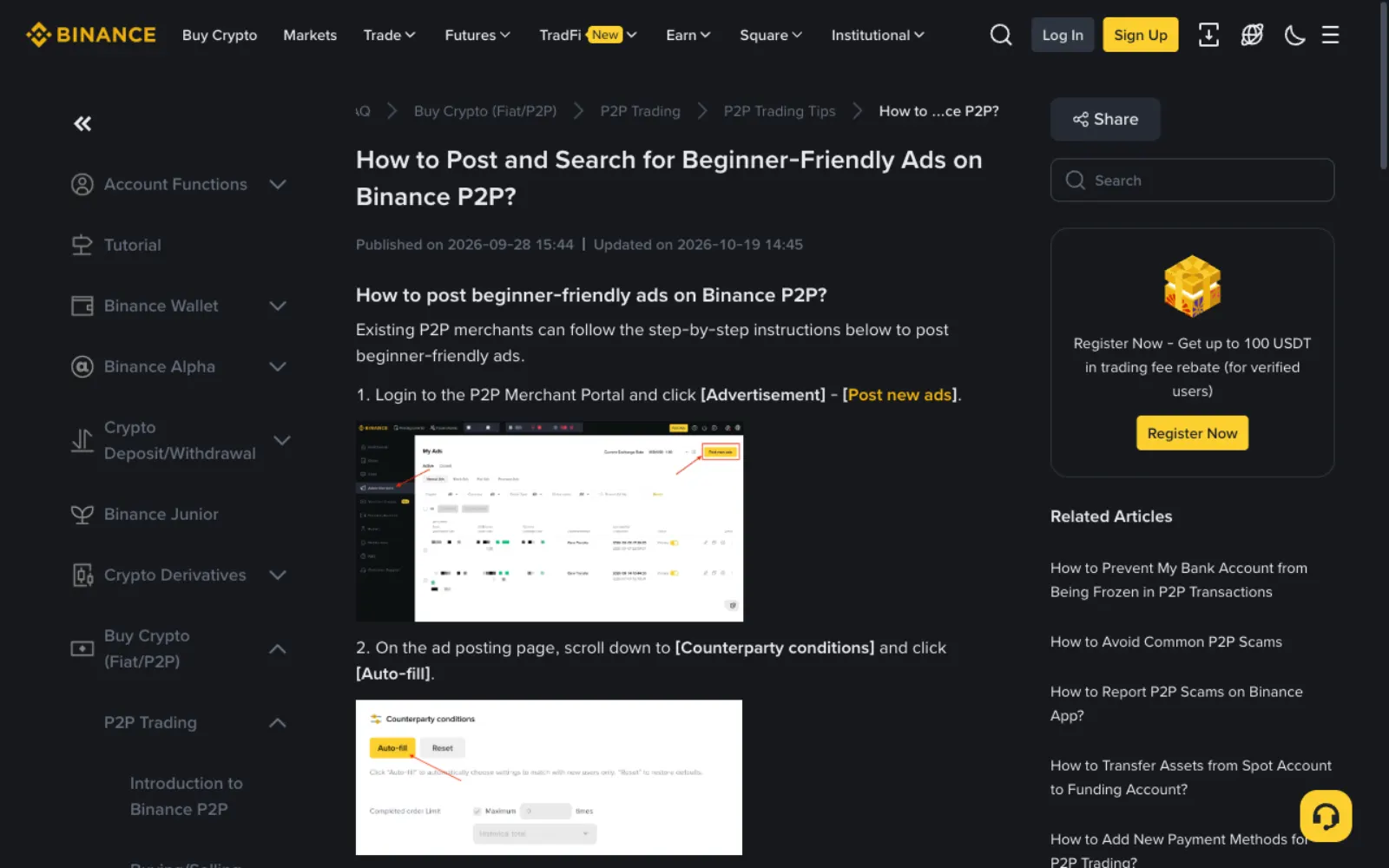
Beginner-friendly: according to Binance, when a merchant sets the counterparty's maximum completed orders to 0, the ad is open only to users who have never completed a P2P trade and is tagged beginner-friendly. Buyers can filter to show only beginner-friendly ads.
Verification: some verified merchants require buyers to provide extra documents before ordering; those ads carry a verification tag and you complete the check when ordering. Merchants usually do this to reduce payment risk.
Terms after you order
An order passes through several states, each telling you what to do.
| Term | Meaning |
|---|---|
| Escrow | After an order, the seller's coins are locked by the platform until both confirm payment, so the seller cannot sell them elsewhere. |
| Payment window | The time the buyer has to pay, set by the advertiser; unpaid orders cancel automatically. |
| Transferred, Notify Seller | What the buyer clicks after paying. Never click it before paying. |
| Releasing | The buyer has marked payment and the seller is confirming receipt. |
| Payment Received / Confirm Release | What the seller clicks after the money arrives; the USDT goes to the buyer and cannot be pulled back. |
| Funding account | Where P2P purchases land and where coins must sit before a P2P sale. |
Terms when something goes wrong
These relate to disputes; worth knowing in advance.
| Term | Meaning |
|---|---|
| Appeal | Asking platform support to step in when the two sides disagree; the order's assets are locked meanwhile. |
| Cancel appeal | Withdrawing an appeal once settled; the order returns to payment confirmation and the seller must still release. |
| Third-party payment | The payer is not the buyer who ordered; against P2P rules and a cause of chargebacks and frozen accounts. |
| Chargeback | A payment reversed later by a bank or payment provider, leaving the seller with neither money nor coins. |
| Fake proof of payment | A forged transfer screenshot or text used to trick a seller into releasing. |
Account terms
These relate to account setup and come up before your first trade.
| Term | Meaning |
|---|---|
| Identity verification (KYC) | The exchange's check of who you are; required before P2P trading. |
| Two-factor authentication (2FA) | A second check beyond the password at login and withdrawal, such as an authenticator app or passkey. |
| Real-name match | The paying or receiving account must be in the same name you verified on the platform. |
| Withdrawal whitelist | Once on, withdrawals can only go to saved addresses, protecting funds if your login is stolen. |
Frequently asked questions
What completion rate is reliable?
There is no single standard. When calculating prices, Offpar only counts advertisers with at least 10 completed orders in 30 days and a completion rate of 90% or more, which is a reasonable reference. For a first trade, pick counterparties with higher completion rates and more orders.
Are beginner-friendly ads more expensive?
Not necessarily. The condition is only that the ad is open to users with no completed P2P trades; the merchant sets the price. Compare it with the typical price before ordering.
Is a verified merchant always safe?
Verified merchants must meet Binance's conditions and follow its merchant rules, so they are usually more reliable, but follow the rules anyway: pay only the details on the order page, and release only after confirming payment.
What is Block on the P2P page?
Block is Binance P2P's area for large trades, with single orders far bigger than ordinary ads. Beginners rarely need it; start with the regular P2P zone or Express.
What are the Funding and Spot accounts?
Binance has accounts for different uses. P2P purchases go to the Funding account, and coins must be in Funding to sell on P2P; trading other coins on the exchange uses Spot. Transfers between them are free.
Sources
This guide is based on the official pages and public material below, last checked on 2026-11-11. Platforms change their rules and products, so check the relevant page before you order.
- Binance: Glossary of P2P trading termsReviewed 2026-11-11
- Binance: How to post and search for beginner-friendly adsReviewed 2026-11-11
- Binance: Introduction to Binance P2P tradingReviewed 2026-11-11
Ready to buy your first USDT?
Check today's USDT P2P price and premium for your country first so you know the going rate. If you have no exchange account yet, signing up and verifying takes about a quarter of an hour.
"Create a Binance account" is our referral link: if you sign up through it we may earn a commission, and your prices and fees stay the same. How we handle referral links